
Why look for alternatives to Google Analytics?
In recent years, Google Analytics has been one of the most popular tools for analyzing web traffic. However, changes in its development and the enforcement of GDPR and other privacy regulations have made its use increasingly questionable. Concerns around privacy and data reliability have led many companies to look for alternatives.
The transition from Universal Analytics to GA4 was far from smooth. The tool launched prematurely, with issues such as unassigned traffic, the infamous (not set), and a redefinition of key metrics (from sessions to events). Migration delays created uncertainty, and many companies continued using UA while GA4 still lacked stability. Many analysts felt GA4 was effectively being developed in a prolonged testing environment.
Google Analytics, while useful, requires websites to implement cookies and manage user consent. This has increased demand for analytics tools that minimize personal data collection and simplify regulatory compliance without relying on cookie banners or complex legal configurations.
In this article, we present five alternatives that help you comply with GDPR and provide useful insights into your website traffic, without compromising user privacy.
What type of web analytics tool is right for your project?
Choosing the right tool depends on the size of your project and the level of detail you need. For personal projects or small businesses, such as blogs or small online stores, the key is access to reliable and easy-to-understand data.
Metrics like number of visits, most viewed pages, and traffic sources are usually enough. Lightweight tools do this well, as they are easy to implement, minimize personal data collection, and comply with GDPR without requiring consent banners.
If your project needs more advanced analysis, such as an eCommerce tracking the full conversion funnel or a startup focused on user retention, there are more powerful alternatives that don’t rely on Google. However, in this article, we focus on simple solutions that allow you to analyze your website safely and in a privacy-friendly way.
What are the main alternatives to Google Analytics?
Here are five tools designed to analyze your website securely and with privacy in mind, minimizing cookies and simplifying legal compliance.
💡 Privacy note: These tools allow you to analyze your website without relying on cookies in their basic setup. Cookies are only used if you enable advanced features or external integrations.
1. Simple Analytics
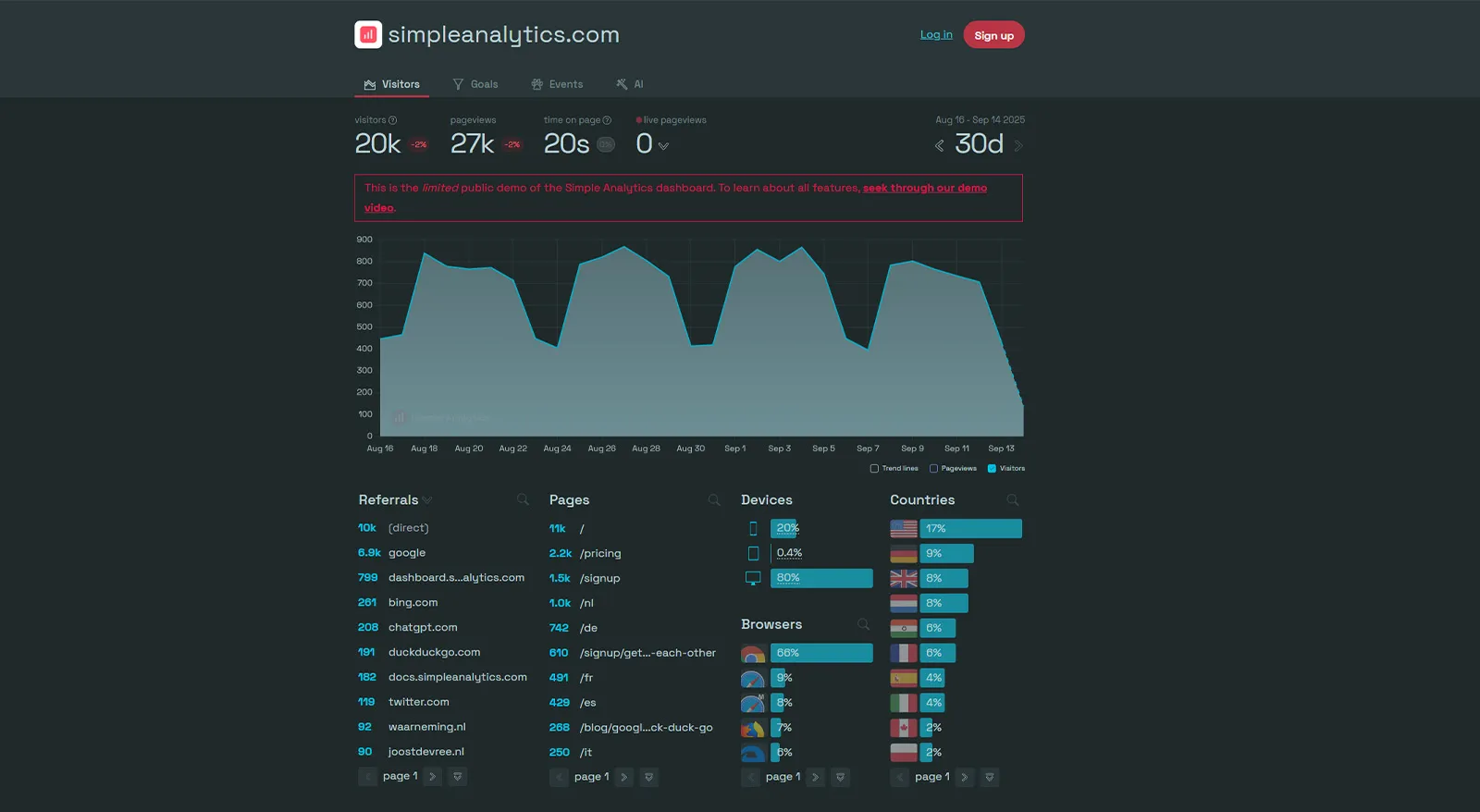
A lightweight tool to view essential website data without tracking users or using cookies.
Advantages
- Simple dashboard with visits, pages, and traffic sources.
- No user tracking or cookies required.
- Fast and easy setup.
Disadvantages
- Limited features compared to Google Analytics.
- Only available with paid plans (very limited free option).
- Few external integrations.
Try Simple Analytics: Go to website
2. Plausible Analytics
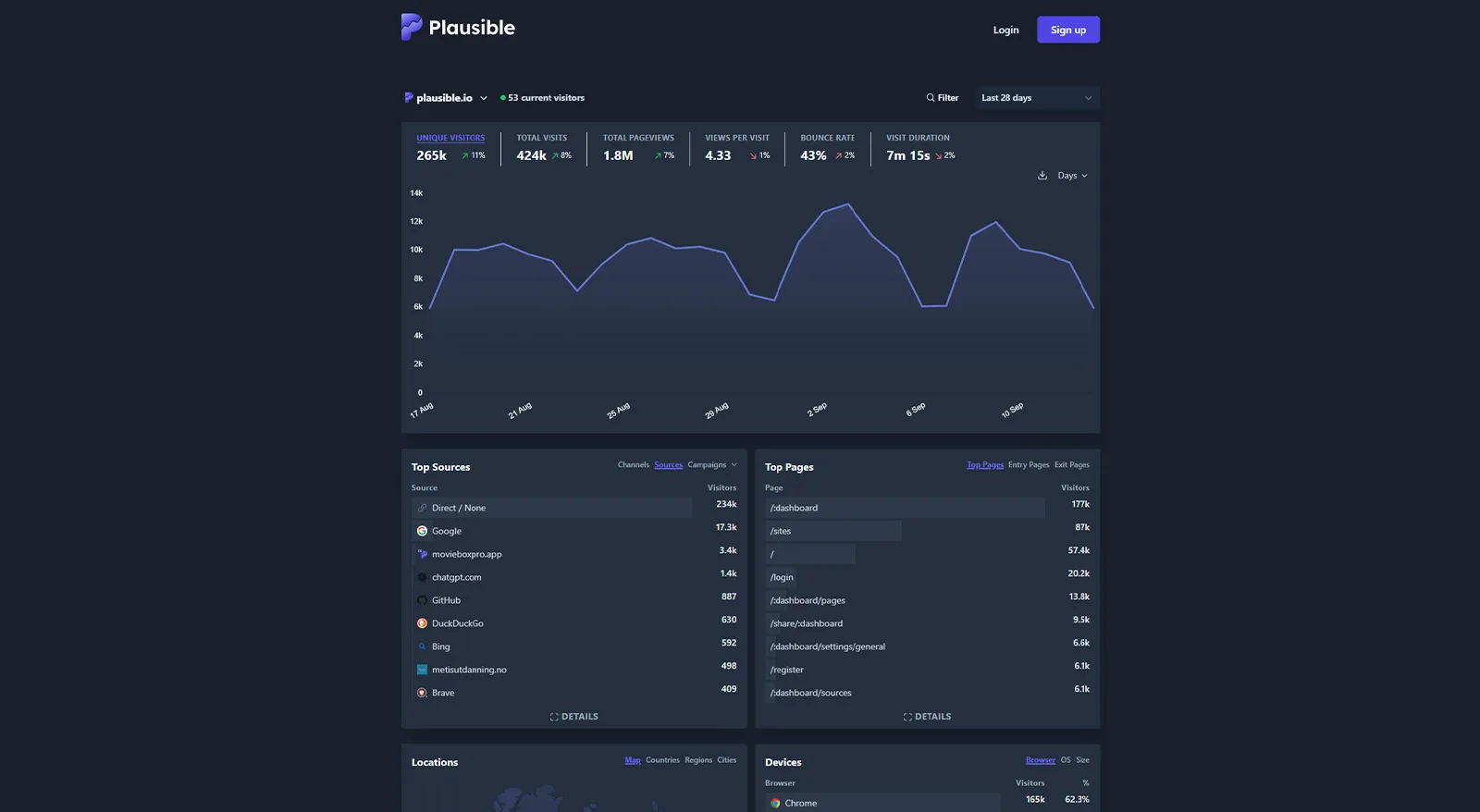
An open-source, lightweight, privacy-focused web analytics tool with clear and fast basic metrics.
Advantages
- No cookies or personal data collection.
- Lightweight and fast, no impact on site speed.
- Avoids ad blockers, reducing data loss.
Disadvantages
- No advanced segmentation or complex event tracking.
- Paid plans based on website traffic.
- Limited external integrations.
Try Plausible Analytics: Go to website
3. Cloudflare Web Analytics
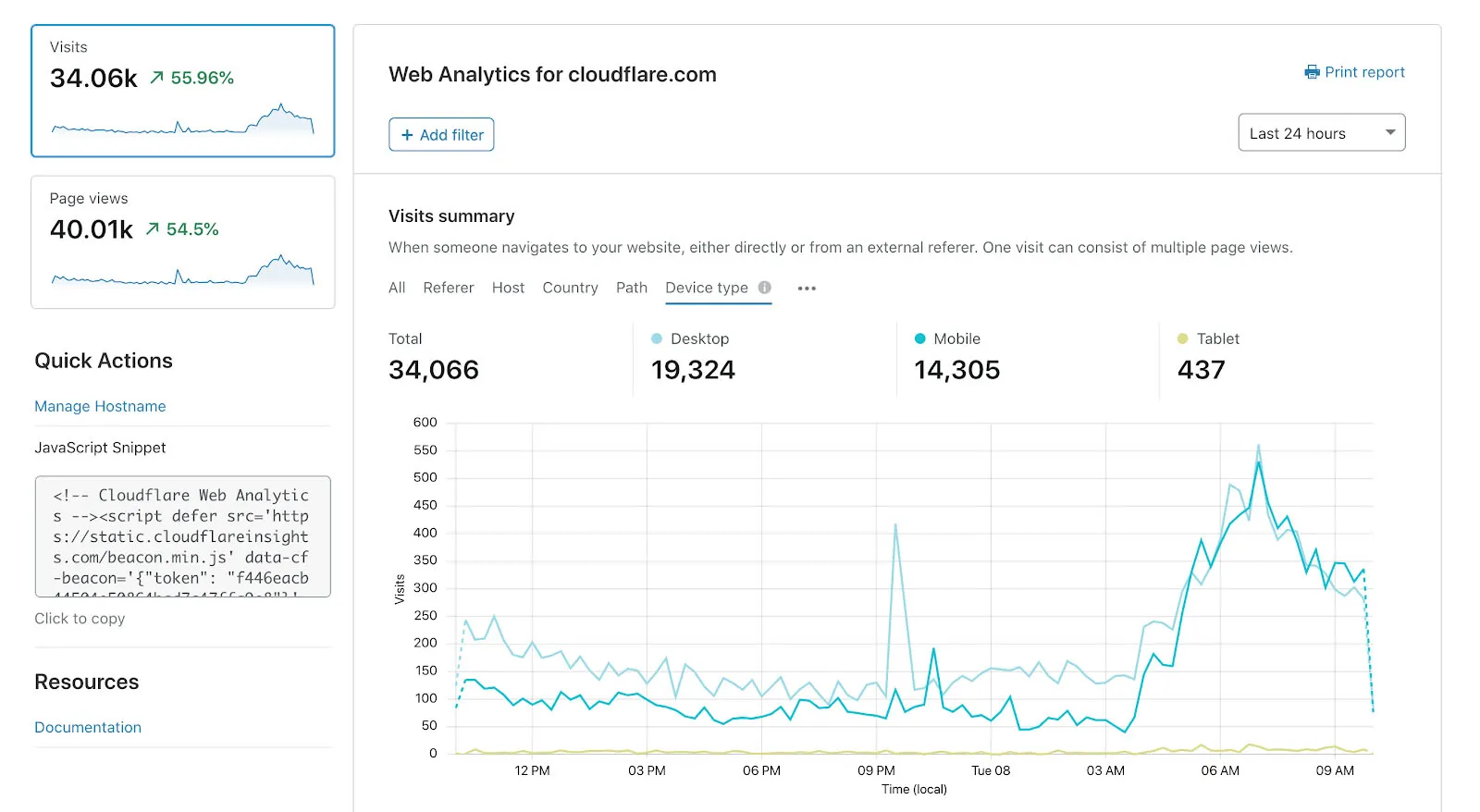
Free, privacy-focused analytics, especially useful if you already use Cloudflare as a CDN.
Advantages
- Free and easy to implement.
- No cookies, GDPR compliant.
- Includes web performance metrics like Core Web Vitals.
Disadvantages
- Only available for Cloudflare users.
- Limitations in metrics and data retention.
- No advanced segmentation.
Try Cloudflare Web Analytics: Go to website
4. Fathom Analytics
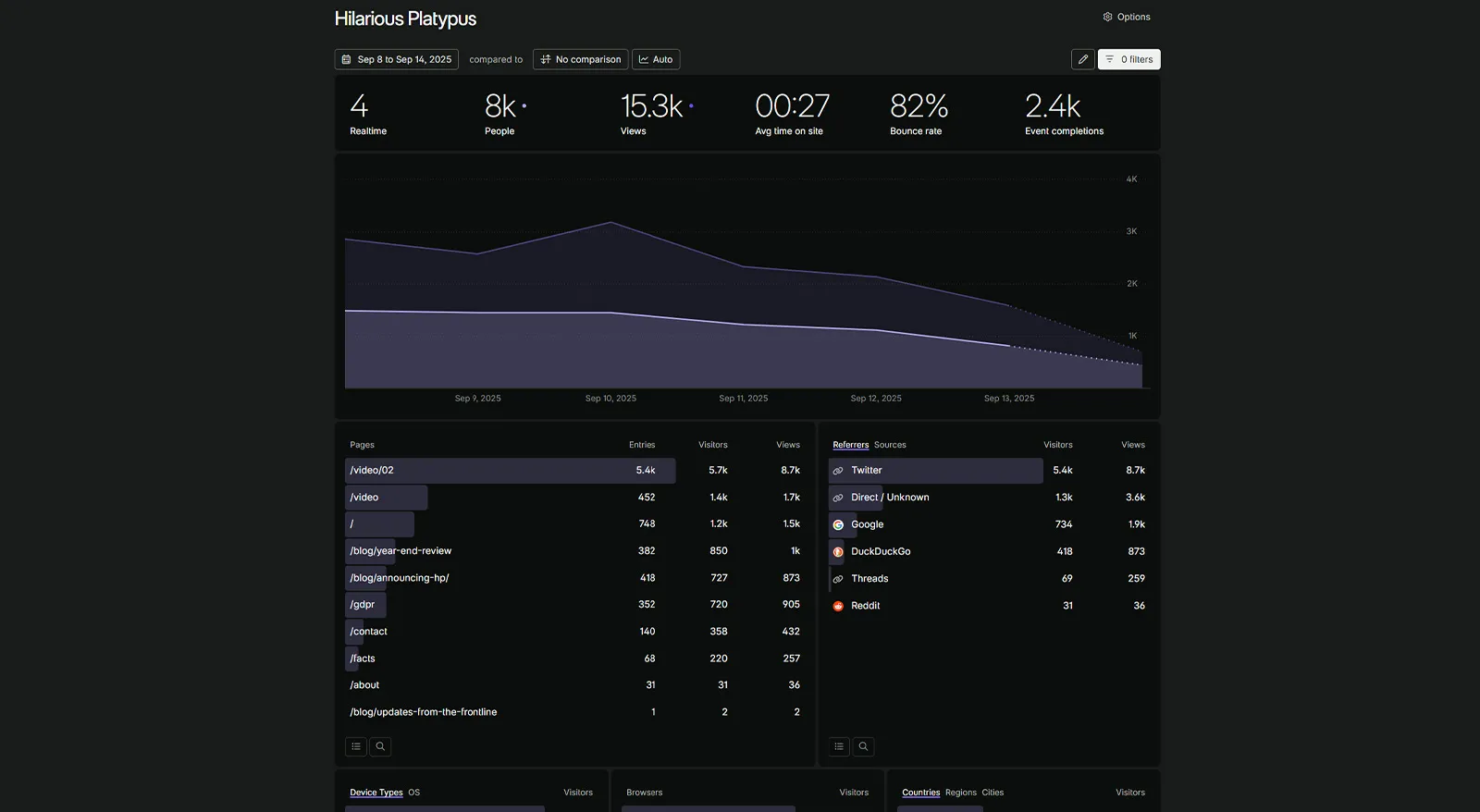
A simple alternative that provides essential website performance metrics without compromising privacy.
Advantages
- Minimalist dashboard with clear metrics.
- Fast and lightweight script, no impact on site speed.
- Compliant with GDPR, CCPA, and PECR.
Disadvantages
- Limited segmentation and event analysis options.
- Requires a paid plan to access the full dashboard.
- Limited external integrations.
Try Fathom Analytics: Go to website
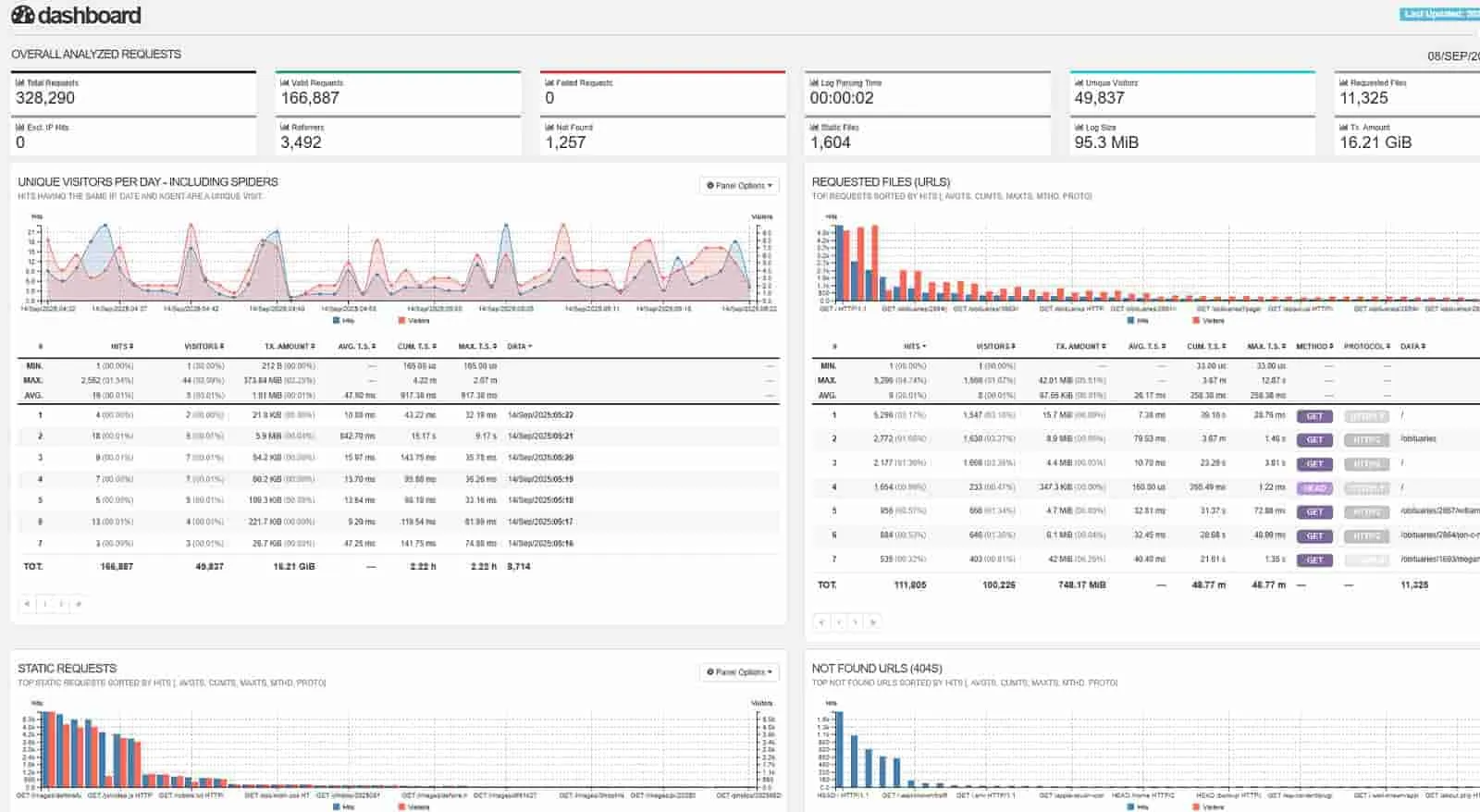
5. GoAccess
Analyzes server logs directly, without cookies or browser scripts.
Advantages
- No cookies and fully private.
- Real-time analysis from server logs.
- Ideal for self-hosted projects and technical users.
Disadvantages
- Requires knowledge to manage server logs.
- Less user-friendly interface for beginners.
- No sophisticated visual dashboard.
Try GoAccess: Go to website
How to choose the right tool for your project?
Here’s our recommendation based on your project type and needs:
-
Simple Analytics, Plausible, and Fathom Analytics: ideal for small projects like blogs or online stores. They maintain a traditional analytics structure, making it easier to switch from Google Analytics while providing key metrics without complexity.
-
Cloudflare Web Analytics and GoAccess: ideal if you want to track basic and technical metrics like Core Web Vitals or site performance. These tools are better suited for technical audiences and deeper web behavior analysis.
At Vision by Data, we offer consulting in digital analytics. Learn more here.